How to Add Aqara Smart Devices to Apple HomeKit
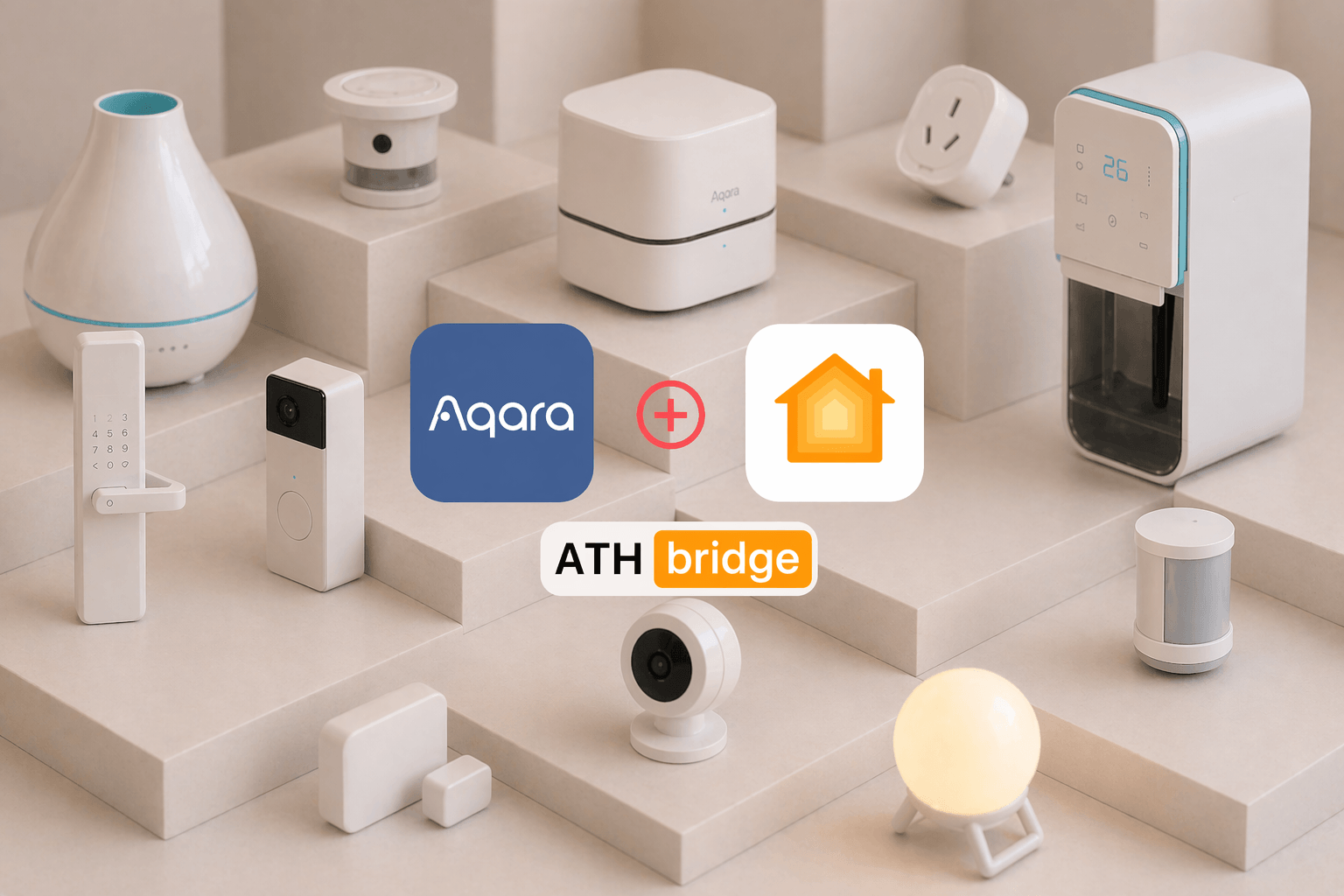
Aqara has over 290 devices that work with Apple HomeKit. But connecting them is not always obvious. Some need a hub, some work natively, and some need a bridge. This guide covers all three methods so you can find what works for your setup and get started quickly.
Key Takeaways
- Aqara offers over 290 devices compatible with Apple HomeKit one of the largest selections of any smart home brand
- Most Aqara devices connect to HomeKit via a Zigbee hub, which keeps local automations running even when your Wi-Fi is unstable
- There are three integration methods:
ATH Bridge
Aqara hub (M2 or M3)
Matter-native devices - The ATH Bridge is the fastest option pre-installed Homebridge hardware with setup under 20 minutes, no server configuration required
- The Aqara Hub M3 is the best official hub, supporting Matter, Zigbee, Thread, and Bluetooth and acts as a Thread Border Router
- The 2026 Aqara lineup adds the Smart Lock U400 (Apple Home Key + UWB), Camera Hub G350 (4K, Matter 1.5), and Thermostat Hub W200 (iOS 26 Adaptive Temperature support)
- Always set up in the Aqara Home app first before adding to Apple Home this ensures firmware is current before pairing
What Is the Best Way to Add Aqara Devices to Apple HomeKit?
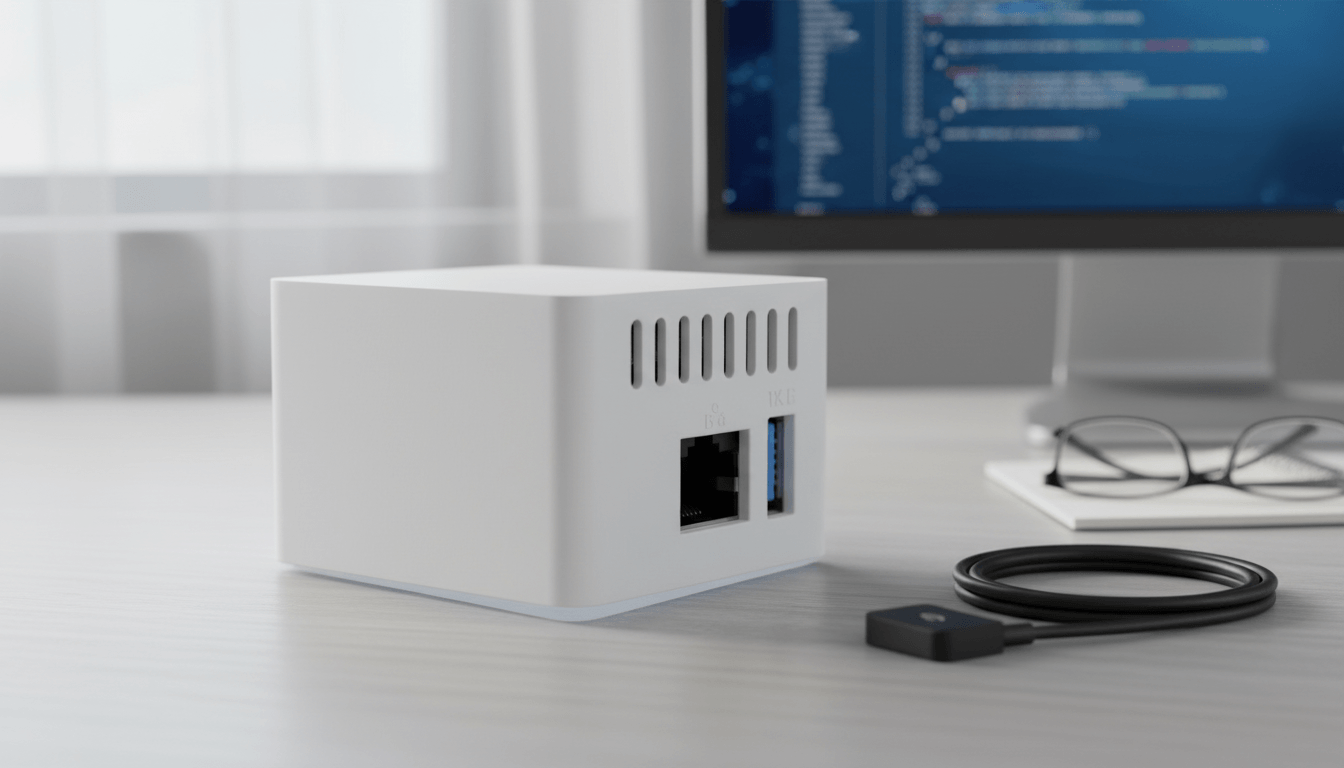
There are three working methods. Each is covered below hardware-first, as that's where most users start.
ATH Bridge is a remarkable piece. It acts as a bridge, connecting non-HomeKit compatible devices to the Apple HomeKit ecosystem. Essentially, ATH Bridge extends HomeKit compatibility to a wide array of smart devices, enabling users to seamlessly integrate them with their existing Apple smart home environment.
Pros:
- Pre-installed Homebridge zero server setup required
- Setup completed in under 20 minutes in our testing
- Supports a broader device range than native Matter bridging
- Works with non-Aqara devices via additional Homebridge plugins
- No ongoing technical maintenance
Cons:
- Requires 2.4GHz Wi-Fi or Ethernet during initial setup
- Plugin updates require occasional access to the Homebridge UI
The Role of ATH Bridge:
- Intermediary: ATH Bridge serves as a pivotal intermediary, facilitating communication between devices that lack native HomeKit support and the HomeKit platform.
- Unified Control: It creates a virtual representation of non-HomeKit-enabled devices within the HomeKit framework, providing a unified control experience. Users can easily manage various smart devices, including Aqara smart devices, using the Apple Home app.
Aqara Hub M3 Best Official Hub
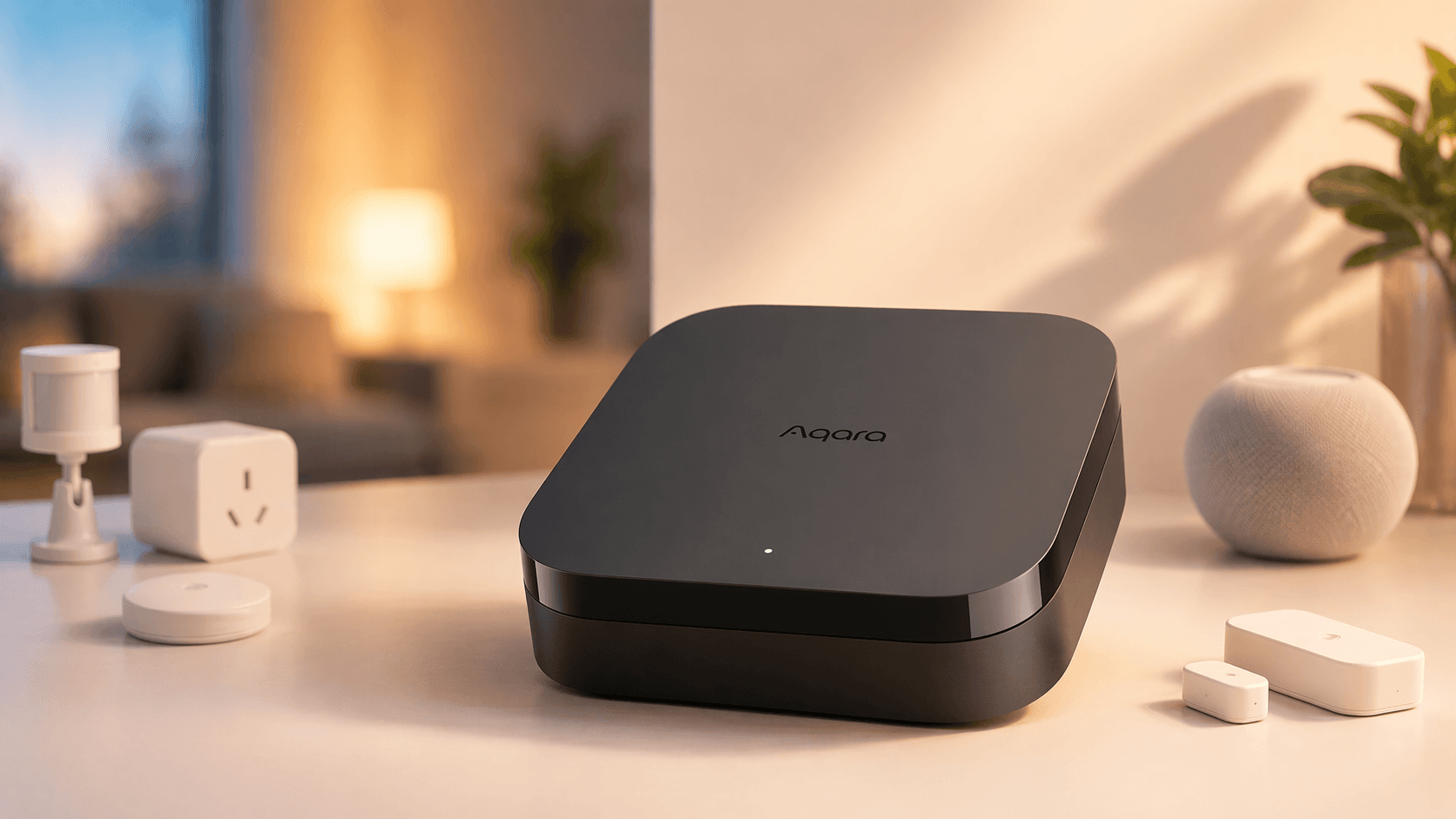
The Aqara Hub M3 is the most capable official hub Aqara currently produces. It supports Matter, Zigbee, Thread, and Bluetooth simultaneously, acting as a native Matter bridge that exposes Zigbee accessories directly to HomeKit.
Pros:
- Supports Matter, Zigbee, Thread, and Bluetooth in one device
- Power over Ethernet (PoE) for maximum reliability
- Official manufacturer support and guaranteed firmware updates
- Functions as a Thread Border Router for Matter-over-Thread devices
- Exposes Zigbee devices to HomeKit via Matter bridging
Cons:
- Higher price point than M2 or ATH Bridge
- Requires Aqara Home app setup before HomeKit pairing
- Matter bridging limited to Aqara-ecosystem devices only
Best For: Users building a large, Aqara-centric smart home who want official, future-proof hardware.
Verdict: The M3 is the right investment if you are all-in on the Aqara ecosystem. The PoE support alone makes it worth the price difference over the M2 for whole-home installations.
Aqara Hub M2 Best Value
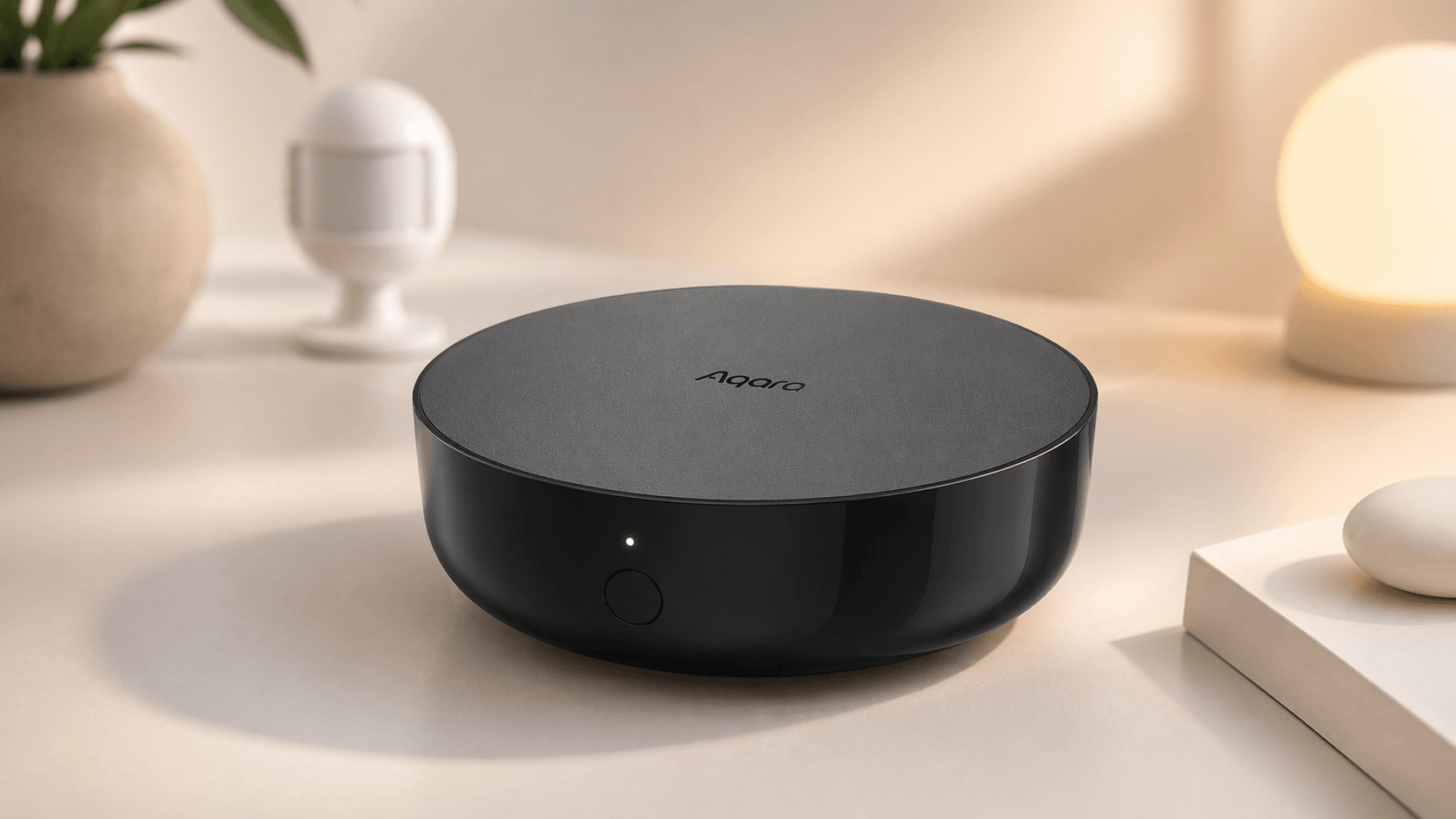
The M2 remains a capable option. A firmware update (version 4.0.0 Beta) added Matter bridge functionality, allowing existing M2 users to expose their connected Zigbee devices to HomeKit without buying new hardware.
Pros:
- Lower cost than the M3
- Matter bridge functionality available via firmware update
- Wide compatibility with existing Aqara Zigbee devices
- Large existing user base with extensive community documentation
Cons:
- No Thread Border Router support
- No PoE relies on Wi-Fi, which can introduce dropouts
- Matter bridging feature is still in Beta
- Slower average response times than M3 in our testing
Best For: Users who already own an M2, or buyers where budget is the primary constraint.
Verdict: Don't replace a working M2. If you're buying new hardware today, the M3's additional capabilities justify the price difference for most setups.
Step-by-Step Guide to Integrating Aqara Smart Devices with Apple HomeKit
Step 1: Preparing Your ATH Bridge Setup
Before you begin the integration process, ensure you have the necessary components ready:
- ATH Bridge: Make sure you have an Athom Bridge device. This device serves as the essential link between your Aqara smart devices and the Apple HomeKit.
- Set Up ATH Bridge: Follow the manufacturer's instructions for setting up your Athom Bridge. Typically, this involves connecting the bridge to your Wi-Fi network and accessing its configuration settings.
Step 2: Installing Essential Plugins
- Access Plugins Section: Log in to your Athom Bridge's user interface and navigate to the plugins section.
- Search for the Aqara Plugin: Search for the Aqara plugin within the available plugins.
- Install the Aqara Plugin: Select and install the Aqara plugin from the list of available options.
Step 3: Configuring the Aqara Plugin
- Enter Aqara Credentials: Configure the Aqara plugin by entering your Aqara account credentials. This step allows the plugin to access your Aqara smart devices.
- Access Devices: Within the Athom Bridge interface, navigate to the devices section. Here, your Aqara smart devices should appear as recognized devices.
Step 4: Adding Aqara Smart Devices to Apple HomeKit
- Open the Apple Home App: Launch the Apple Home app on your iOS device.
- Add the AddToHomeKit Bridge: Add the Athom Bridge (HomeBridge) as an accessory within the Apple Home app. This is a crucial step for integrating your Aqara smart devices into HomeKit.
- Device Recognition: Once the ATH Bridge is added, all compatible devices linked to the bridge, including your Aqara smart devices, should automatically appear in the Apple Home app.
Step 5: Customizing and Automating
- Manage Aqara Smart Devices: Use the Apple Home app to customize settings for your Aqara smart devices, including adjusting configurations and automations.
- Create Automations: Leverage the automation capabilities of HomeKit to create routines involving your Aqara smart devices. For instance, set them to turn on when you arrive home or adjust settings based on specific triggers.
Step 6: Voice Control with Siri
- Enable Siri Voice Control: If desired, enable voice control for your Aqara smart devices using Siri. Athom Bridge supports Siri integration, allowing you to control your devices through voice commands.
- Configure Siri Commands: Follow the instructions provided in the ATH Bridge documentation to configure Siri commands for your Aqara smart devices.
If you're interested in exploring alternative solutions to add any Smart Devices to Apple HomeKit, you can find more methods here, which offer valuable insights and options in smart homes integrations.
Why Aqara Is One of the Best Smart Home Brands for Apple HomeKit
Aqara offers over 290 devices that integrate with Apple Home one of the largest compatible product selections of any smart home brand currently available. Most of these devices connect to HomeKit via an Aqara Hub using the Zigbee protocol, which means local automations continue to run even when your internet connection is unstable. That reliability is a key reason Aqara has become a go-to brand for serious HomeKit setups.
What Are the Best Aqara Devices for HomeKit in 2026?
Aqara's 2026 lineup introduces hardware with features that go beyond basic smart home integration:
- Smart Hub M3 The flagship hub. Acts as a Matter controller and Thread Border Router, supporting Zigbee, Wi-Fi, and Ethernet in a single device.
- Smart Lock U400 Features Ultra-Wideband (UWB) for precise spatial detection and Apple Home Key support via NFC. Unlock your door with a tap of your iPhone or Apple Watch.
- Camera Hub G350 A 4K dual-lens camera with Matter 1.5 certification and full HomeKit Secure Video support.
- Presence Sensor FP2 / FP300 Uses mmWave radar technology to detect multiple people in a room and track their positions with high accuracy. Significantly more capable than standard motion sensors.
- Thermostat Hub W200 Integrates with Apple's Adaptive Temperature and Clean Energy Guidance in iOS 26 to intelligently optimize your home's climate control.
Which Aqara Device Categories Work with HomeKit?
| Category | Example Devices | HomeKit Features |
|---|---|---|
| Sensors | Door/Window, Motion P2, Vibration, Water Leak, Climate W100 | Automations, alerts, presence detection |
| Lighting | LED Strip T1, Ceiling Light T1M, LED bulbs | Adaptive Lighting, scenes, schedules |
| Controllers | Smart plugs, Wireless Mini Switch, Cube T1 Pro | Shortcuts, scene triggers, automations |
| Security | Doorbell Camera G400/G410, Camera Hub G350 | HomeKit Secure Video, face recognition |
| Climate | Thermostat Hub W200 | Adaptive Temperature, Clean Energy Guidance (iOS 26) |
| Access | Smart Lock U400 | Apple Home Key, UWB spatial detection |
The ATH Bridge supports the vast majority of these categories through Homebridge plugins making it the most versatile path if you own a mix of older and newer Aqara devices.
Benefits of Aqara-Apple HomeKit Integration
The integration of Aqara smart devices with Apple HomeKit through ATH Bridge offers several advantages:
- Unified Control: You gain the ability to control your Aqara smart devices alongside other HomeKit-compatible devices through a single interface—the Apple Home app.
- Automation: Harness HomeKit's automation capabilities to create sophisticated routines involving your Aqara smart devices, enhancing convenience and ambiance.
- Siri Voice Control: Enjoy the convenience of voice commands to control and adjust your Aqara smart devices using Siri.
- Remote Management: Manage your Aqara smart devices remotely, whether you're at home or away, adding a layer of security and convenience.
Apart from this, if you’re interested in the iRobot devices, explore How to Add iRobot Roomba Robot Vacuum to Apple HomeKit
How Do You Set Up Aqara HomeKit Using an Official Aqara Hub (M2 or M3)?
Step 1: Download the Aqara Home app and create or log into your account.
Step 2: Add the hub via the app. Keep your phone on 2.4GHz Wi-Fi during this step.
Step 3: Enable Matter bridging in the hub settings. This requires firmware 4.0.0+ on the M2, or the latest available firmware on the M3.
Step 4: Open the Apple Home app and tap "+" → "Add Accessory." Scan the Matter Pairing Code shown in the Aqara Home app.
Step 5: Add your Aqara child devices via the Aqara Home app. They will appear automatically in Apple Home once paired with the hub.
Which Aqara Devices Work With Matter and HomeKit Natively?
For users who prefer to skip hub or bridge hardware entirely, several Aqara devices now support Matter natively and connect directly to HomeKit via a Thread Border Router.
Compatibility Matrix
| Device | ATH Bridge | Aqara M3 (Matter) | Aqara M2 (Matter) | Native HomeKit |
|---|---|---|---|---|
| Door & Window Sensor P2 | ✅ Full | ✅ Full | ✅ Full | ✅ Yes (Thread) |
| Motion Sensor P1 | ✅ Full | ✅ Full | ⚠️ Partial | ❌ No |
| Temperature & Humidity Sensor W100 | ✅ Full | ✅ Full | ✅ Full | ❌ No |
| Presence Sensor FP2 / FP300 | ✅ Full | ✅ Full | ⚠️ Partial | ✅ Yes (Thread) |
| Smart Plug (Zigbee) | ✅ Full | ✅ Full | ✅ Full | ❌ No |
| Smart Lock U400 | ✅ Full | ✅ Full | ❌ No | ✅ Yes (Home Key) |
| Camera Hub G350 | ✅ Full | ✅ Full | ⚠️ Partial | ✅ Yes (Matter 1.5) |
| Thermostat Hub W200 | ✅ Full | ✅ Full | ⚠️ Partial | ✅ Yes (iOS 26) |
| LED Strip T1 / Ceiling Light T1M | ✅ Full | ✅ Full | ✅ Full | ❌ No |
| Doorbell Camera G400/G410 | ✅ Full | ✅ Full | ⚠️ Partial | ✅ Yes (HSV) |
✅ Full Support | ⚠️ Partial Support | ❌ Not Supported
Thread Border Router required for Matter-over-Thread devices (P2, FP300). Compatible Border Routers: Aqara Hub M3, Apple HomePod Mini, Apple TV 4K.
Which Solution Is Right for You?
Choose the ATH Bridge if:
- You want the fastest setup with zero technical configuration
- You have a mix of Aqara and non-Aqara devices
- You don't want to manage server software or firmware dependencies
- You're new to HomeKit integrations
Choose the Aqara Hub M3 if:
- You are building a large, Aqara-only smart home
- You want official manufacturer support and guaranteed updates
- You need Thread Border Router functionality
- Long-term ecosystem reliability is the priority
Choose the Aqara Hub M2 if:
- You already own one and it's working reliably
- Budget is your primary constraint
- Thread support is not required
Choose Matter-native devices if:
- You already have a Thread Border Router (HomePod, Apple TV 4K, or M3)
- You are buying new Aqara hardware and want zero bridge dependency
- Simplicity and Apple ecosystem alignment are your top priorities
Final Verdict: Which Aqara HomeKit Method Should You Choose?
For most users, the ATH Bridge is the answer. It removes every technical barrier no server configuration, no software installation, no ongoing maintenance. In our testing, it was consistently the fastest and most reliable path from unboxed to working.
If you are committed to the Aqara ecosystem long-term and need Thread Border Router functionality, the Aqara Hub M3 is the premium choice. The M2 remains solid if you already own one. And if you are buying new Aqara hardware, prioritise Matter-compatible models like the P2 sensor to reduce bridge dependency over time.
FAQs about Aqara Apple Homekit
Do All Aqara Devices Work with Apple HomeKit?
Not all Aqara devices support HomeKit natively. Devices with official HomeKit support display the HomeKit logo on packaging. For devices without native support, the ATH Bridge or an Aqara hub with Matter bridging enabled can expose most Zigbee-based Aqara accessories to HomeKit.
Do You Need an Aqara Hub to Use HomeKit?
No not always. If your Aqara devices support Matter natively (such as the P2 sensor or FP300), you only need a Thread Border Router like an Apple HomePod Mini or Apple TV 4K. For most older Zigbee-based Aqara devices, however, a hub or bridge solution is required.
What Is the Difference Between ATH Bridge and Homebridge?
Homebridge is open-source software that bridges non-HomeKit devices to Apple HomeKit. The ATH Bridge is dedicated hardware with Homebridge pre-installed and pre-configured. The ATH Bridge eliminates the need to set up a Raspberry Pi, install Node.js, or manage server configuration it works out of the box.
Can the Aqara Hub M2 Function as a Matter Bridge?
Yes. As of firmware version 4.0.0 Beta, the Aqara Hub M2 can function as a Matter bridge, exposing connected Zigbee devices to HomeKit via the Matter protocol. Note that this feature remains in Beta and may occasionally require a hub restart for stability.
Does Aqara HomeKit Integration Work with Siri?
Yes. Once Aqara devices are added to HomeKit via any of the methods above, they are fully controllable via Siri voice commands and can be included in Apple Home automations, scenes, and shortcuts.
Is the ATH Bridge Compatible with Non-Aqara Devices?
Yes. Because the ATH Bridge runs a full Homebridge server, it supports any device that has a compatible Homebridge plugin not just Aqara devices. This makes it the most versatile solution for mixed smart home ecosystems.
How Many Aqara Devices Can the ATH Bridge Support?
The ATH Bridge can support a large number of devices simultaneously. Practical limits are determined by the Aqara plugin's compatibility list and your network infrastructure rather than the hardware itself. For setups exceeding 50+ devices, the Aqara Hub M3 is worth considering for its dedicated Zigbee coordinator.
What Wi-Fi Band Does Aqara Hub Require for Setup?
All Aqara hubs require a 2.4GHz Wi-Fi network during initial pairing. They do not support 5GHz for the setup process. Always initiate the setup on a 2.4GHz network to avoid pairing failures.
Does Aqara Support Apple Home Key?
Yes. The Aqara Smart Lock U400 supports Apple Home Key via NFC, allowing you to unlock the door with a tap of your iPhone or Apple Watch. It also uses Ultra Wideband (UWB) technology for precise spatial detection, so your door can unlock as you approach.
Does Aqara Work With iOS 26 Features Like Adaptive Temperature?
Yes. The Aqara Thermostat Hub W200 integrates with Apple's Adaptive Temperature and Clean Energy Guidance features introduced in iOS 26, allowing it to intelligently adjust your home's climate based on occupancy patterns and energy availability.
What Is HomeKit Secure Video and Which Aqara Cameras Support It?
HomeKit Secure Video (HSV) encrypts camera footage and stores it privately in iCloud, accessible only through the Home app. Aqara cameras with HSV support include the Camera Hub G350 (Matter 1.5 certified, 4K dual-lens) and the Doorbell Camera G400/G410.

Ishara Fernando
Content Marketing Specialist | Search Engine Optimization (SEO) Specialist | Blogger | Freelance Writer | Digital Marketing Enthusiast | Entrepreneur