How to Add Aqara Smart Devices to Apple HomeKit
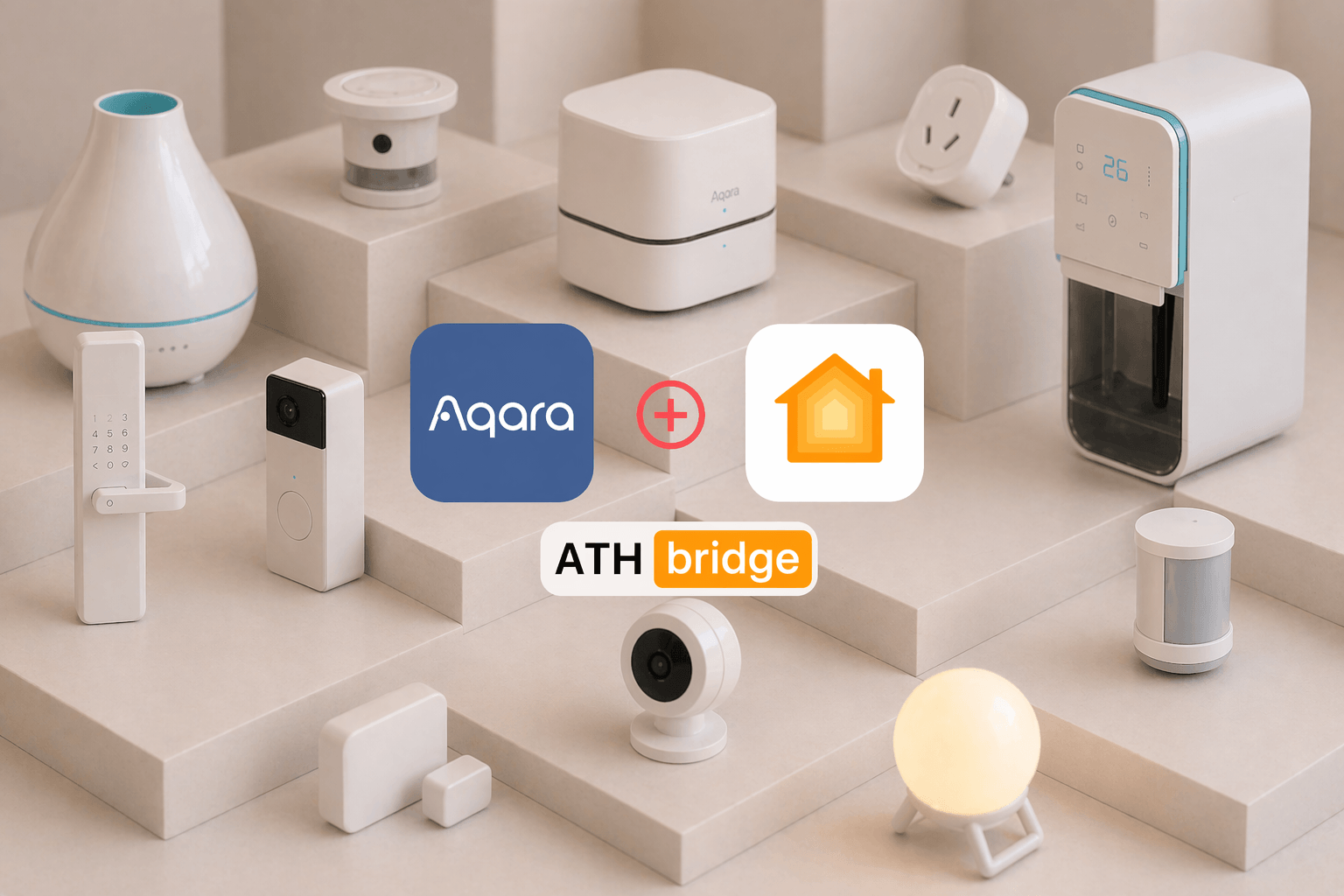
Aqara offers a wide range of smart home devices that can work with Apple Home. But connecting them is not always obvious. Some need a hub, some work natively, and some need a bridge. This guide covers all three methods, plus a full breakdown of Aqara switches and hub compatibility, so you can find what works for your setup and get started quickly.
Key Takeaways
- Aqara offers over 290 devices compatible with Apple HomeKit one of the largest selections of any smart home brand
- Most Aqara devices connect to HomeKit via a Zigbee hub, which keeps local automations running even when your Wi-Fi is unstable
- There are three integration methods:
ATH Bridge
Aqara hub (M2 or M3)
Matter-native devices - The ATH Bridge is the fastest option pre-installed Homebridge hardware with setup under 20 minutes, no server configuration required
- The Aqara Hub M3 is the best official hub, supporting Matter, Zigbee, Thread, and Bluetooth and acts as a Thread Border Router
- Aqara's switch lineup ranges from Zigbee models that need a hub or bridge to newer Matter-compatible switches that can connect more directly with Apple Home.
- The 2026 Aqara lineup adds the Smart Lock U400 (Apple Home Key + UWB), Camera Hub G350 (4K, Matter 1.5), and Thermostat Hub W200 (iOS 26 Adaptive Temperature support)
- Always set up in the Aqara Home app first before adding to Apple Home this ensures firmware is current before pairing
What Is the Best Way to Add Aqara Devices to Apple HomeKit?
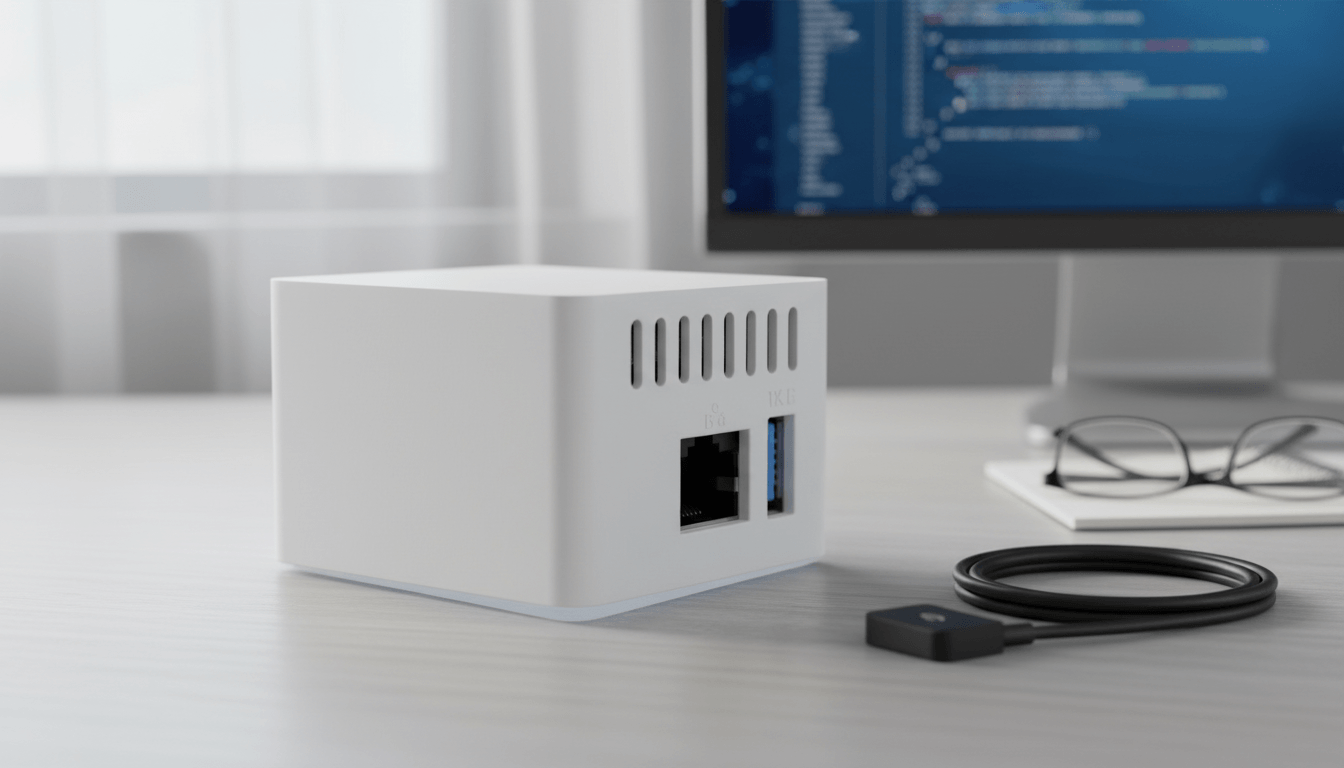
There are three working methods. Each is covered below hardware-first, as that's where most users start.
| Method | Best For | Setup Time | Works With |
|---|---|---|---|
| ATH Bridge | Fastest, zero server setup, mixed device ecosystems | Under 20 minutes | Nearly all Aqara devices, plus non-Aqara devices via Homebridge plugins |
| Aqara Hub M3 | Aqara-only households wanting official hardware | 15–30 minutes | Zigbee devices via Matter bridging, plus Thread devices |
| Native Matter | Newest Aqara devices, zero hub dependency | 5–10 minutes | Matter-certified devices only (P2, FP300, S100, U400, G350, W200) |
ATH Bridge is a remarkable piece. It acts as a bridge, connecting non-HomeKit compatible devices to the Apple HomeKit ecosystem. Essentially, ATH Bridge extends HomeKit compatibility to a wide array of smart devices, enabling users to seamlessly integrate them with their existing Apple smart home environment.
Pros:
- Pre-installed Homebridge zero server setup required
- Setup completed in under 20 minutes in our testing
- Supports a broader device range than native Matter bridging
- Works with non-Aqara devices via additional Homebridge plugins
- No ongoing technical maintenance
Cons:
- Requires 2.4GHz Wi-Fi or Ethernet during initial setup
- Plugin updates require occasional access to the Homebridge UI
The Role of ATH Bridge:
- Intermediary: ATH Bridge serves as a pivotal intermediary, facilitating communication between devices that lack native HomeKit support and the HomeKit platform.
- Unified Control: It creates a virtual representation of non-HomeKit-enabled devices within the HomeKit framework, providing a unified control experience. Users can easily manage various smart devices, including Aqara smart devices, using the Apple Home app.
Aqara Hub M3 Best Official Hub
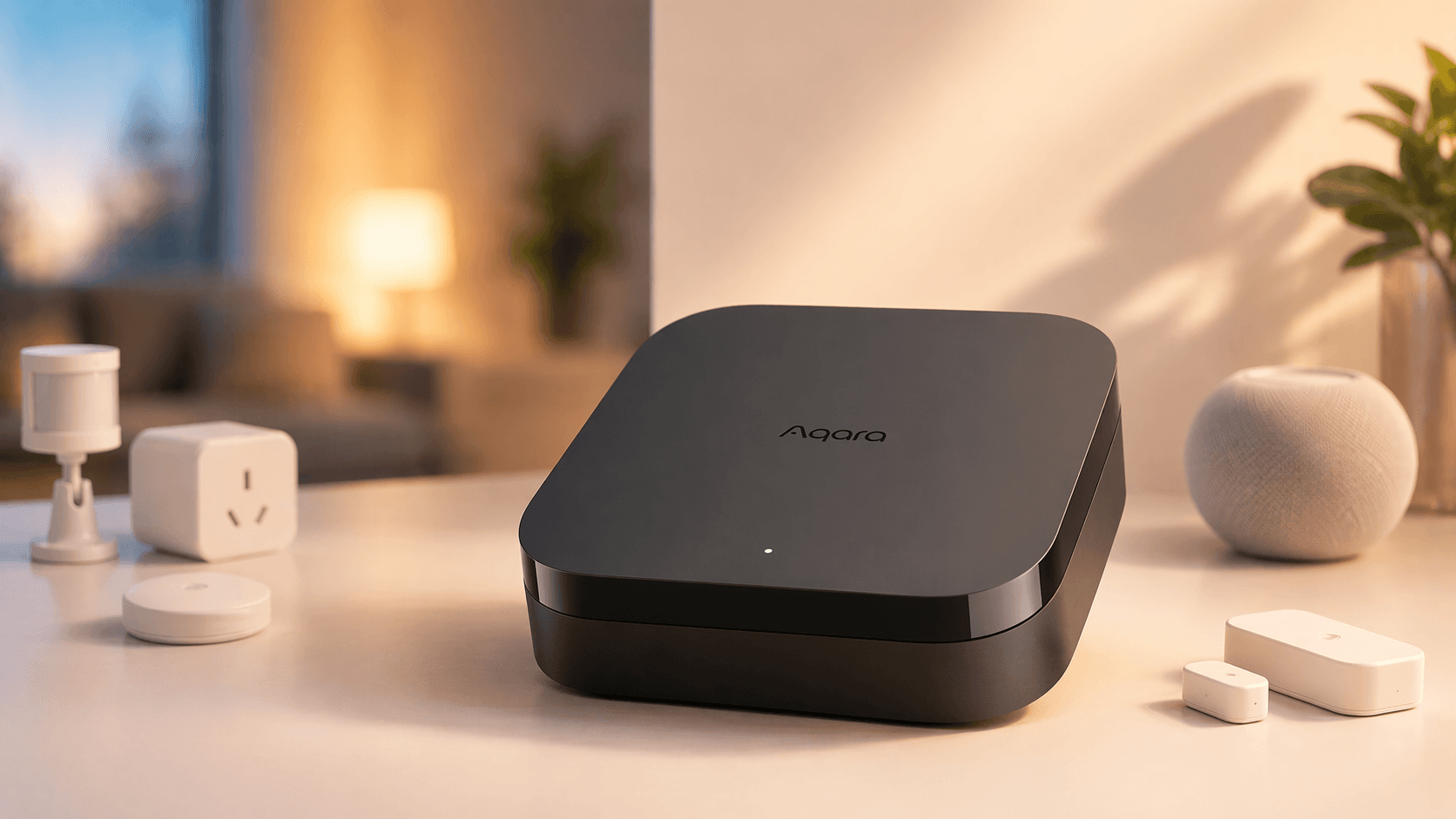
The Aqara Hub M3 is the most capable official hub Aqara currently produces. It supports Matter, Zigbee, Thread, and Bluetooth simultaneously, acting as a native Matter bridge that exposes Zigbee accessories directly to HomeKit.
Pros:
- Supports Matter, Zigbee, Thread, and Bluetooth in one device
- Power over Ethernet (PoE) for maximum reliability
- Official manufacturer support and guaranteed firmware updates
- Functions as a Thread Border Router for Matter-over-Thread devices
- Exposes Zigbee devices to HomeKit via Matter bridging
Cons:
- Higher price point than M2 or ATH Bridge
- Requires Aqara Home app setup before HomeKit pairing
- Matter bridging limited to Aqara-ecosystem devices only
Best For: Users building a large, Aqara-centric smart home who want official, future-proof hardware.
Verdict: The M3 is the right investment if you are all-in on the Aqara ecosystem. The PoE support alone makes it worth the price difference over the M2 for whole-home installations.
Aqara Hub M2 Best Value
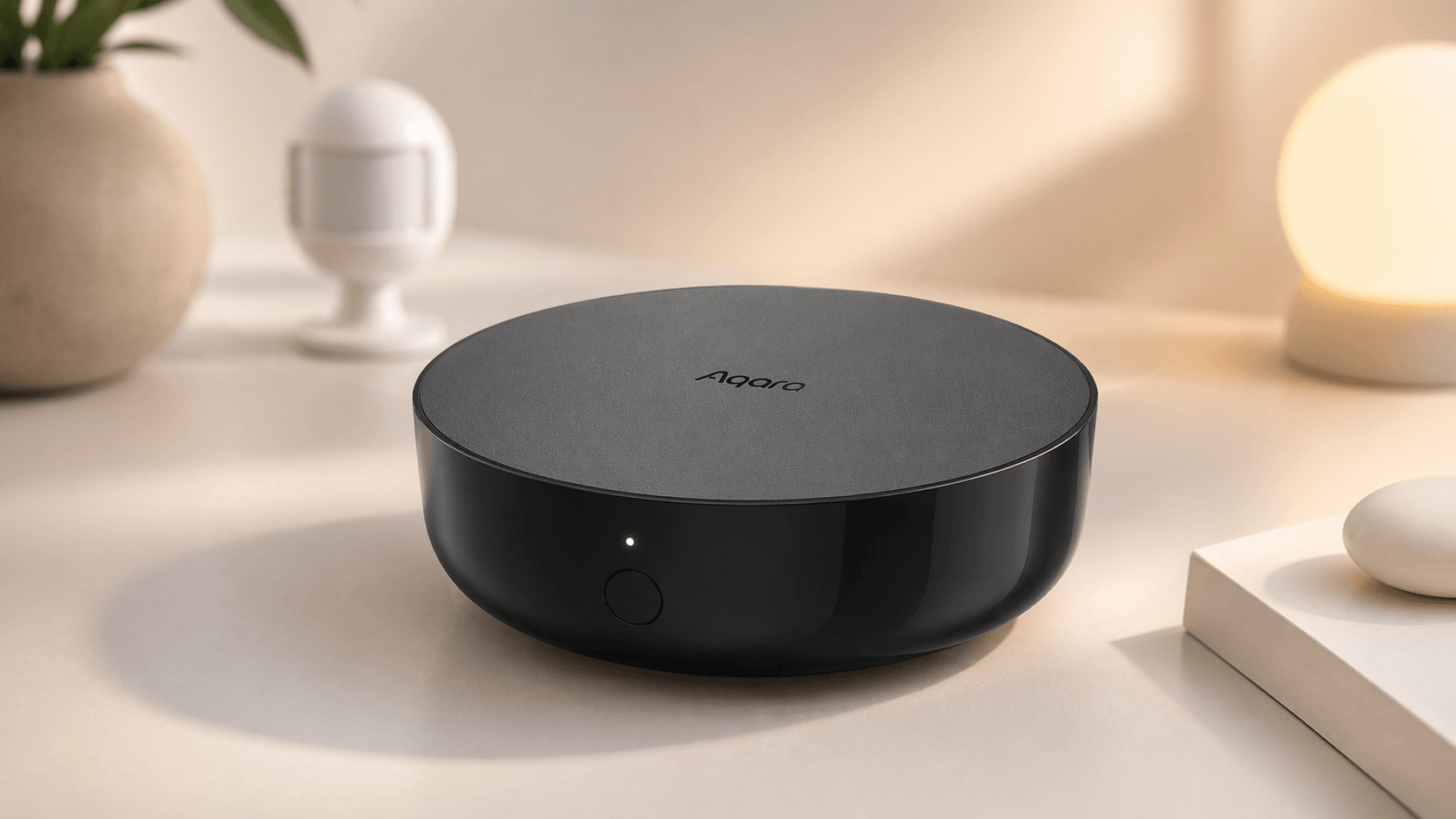
The M2 remains a capable option. Matter bridging is available through a firmware update, allowing existing M2 users to expose compatible connected Zigbee devices to Apple Home without buying a new hub.
Pros:
- Lower cost than the M3
- Matter bridge functionality available via firmware update
- Wide compatibility with existing Aqara Zigbee devices
- Large existing user base with extensive community documentation
Cons:
- No Thread Border Router support
- No PoE relies on Wi-Fi, which can introduce dropouts
- Matter bridging requires updated hub firmware
- Slower average response times than M3 in our testing
Best For: Users who already own an M2, or buyers where budget is the primary constraint.
Verdict: Don't replace a working M2. If you're buying new hardware today, the M3's additional capabilities justify the price difference for most setups.
Which Aqara Smart Switches Work with Apple HomeKit?
Aqara's switch lineup spans battery-powered scene controllers to wired touchscreen panels, and HomeKit compatibility varies by model and connection method. As of this writing, none of Aqara's switches carries Apple's official "Works with Apple Home" badge directly on the Apple Home accessories list, so most Zigbee switches need a hub or bridge, while the newest Matter-certified model can connect without one, provided the accessory has completed Apple's Matter certification process.
Supported Aqara Switch Models
- Aqara Wireless Mini Switch — A battery-powered Zigbee scene controller that can also function as a doorbell trigger or emergency button. Requires an Aqara Hub for Zigbee pairing.
- Aqara Smart Wall Switch (H1/D1 series) — Wired in-wall switches for controlling existing light fixtures, available in neutral and no-neutral versions depending on your home's wiring. Connects via Zigbee and requires an Aqara Hub.
- Aqara Touchscreen Switch S100 — A two-channel wall switch with a color touchscreen and native Matter support over Wi-Fi. Includes a built-in Thread Border Router, though at present that Border Router role is confirmed for Aqara Home and Samsung SmartThings; Apple Home support for the Border Router function specifically is not yet officially confirmed by Aqara. The switch itself still pairs directly with Apple Home as a Matter accessory
HomeKit Compatibility Notes
| Switch | Connection | Hub Required for HomeKit? | Native Matter? |
|---|---|---|---|
| Wireless Mini Switch | Zigbee | Yes (Aqara Hub) | No |
| Smart Wall Switch H1/D1 | Zigbee | Yes (Aqara Hub) | No |
| Touchscreen Switch S100 | Matter over Wi-Fi | No | Yes |
Setting Up Aqara Switches via ATH Bridge
For Zigbee switches (Wireless Mini Switch, Smart Wall Switch H1/D1), the ATH Bridge path mirrors the general Aqara setup:
- Pair the switch to your Aqara Hub first, inside the Aqara Home app.
- Confirm the switch appears as a recognized device inside the ATH Bridge interface, under the installed Aqara plugin.
- Add or refresh the ATH Bridge accessory in the Apple Home app; the switch will appear alongside your other bridged Aqara devices.
The Touchscreen Switch S100 skips this path entirely: since it's Matter-native, pair it directly in Apple Home via "+" then "Add Accessory," scanning the Matter code on the switch or its packaging. No ATH Bridge or Aqara Hub step is required for HomeKit purposes, though you'll still want the Aqara Home app for firmware updates and advanced scene configuration.
Which Aqara Hubs Work with ATH Bridge vs. Native HomeKit?
Not every Aqara hub reaches HomeKit the same way. Some expose their connected devices through the ATH Bridge's HomeBridge plugin, some support native Matter bridging, and some do both.
| Hub | Works via ATH Bridge | Native HomeKit (Matter) | Notes |
|---|---|---|---|
| Aqara Hub M3 | Full support | Full support | Acts as a Thread Border Router; best for large, Aqara-heavy setups |
| Aqara Hub M2 | Full support | Full support | Supports Matter bridging. Keep the hub and Aqara Home app updated for the latest features. |
| Aqara Hub M1S / M1S Gen 2 | Full support | Matter bridging supported | Advanced Matter Bridging is available with supported firmware and the latest Aqara Home app. |
| Aqara Hub E1 | Full support | Matter bridging supported | Advanced Matter Bridging is available with supported firmware and the latest Aqara Home app. |
| Aqara Hub Mini | Full support | Not specified | Verify current Aqara firmware and compatibility information before relying on Matter bridging. |
| Aqara Camera Hub G350 | Full support | Full support (Matter 1.5 certified) | Functions as both a hub and a HomeKit Secure Video camera |
What "native HomeKit" means here: a hub with Matter bridging turned on exposes its connected Zigbee devices to Apple Home directly, without routing through the ATH Bridge. What "ATH Bridge" means here: regardless of which Aqara hub you own, or even if you own no Aqara hub at all, the ATH Bridge's Homebridge plugin can bring Aqara devices into HomeKit on its own, using your Aqara account credentials rather than the hub's Matter feature. If you're running a mixed hub environment, for instance an older Aqara hub alongside a different brand's Zigbee gateway, the ATH Bridge is generally the more predictable path, since it doesn't depend on each hub manufacturer shipping and maintaining Matter bridging firmware. For a look at a similar setup on non-Aqara hardware, see our guide on adding a Tuya Zigbee hub to Apple HomeKit, or, if you're comparing hub platforms more broadly, our full Homey Pro review covers a multi-protocol alternative that also supports Aqara devices.
Do You Need a Hub for Aqara and HomeKit
It depends on the Aqara device you use. Most older Aqara devices use Zigbee, so they need a compatible hub or bridge before they can appear in Apple Home.
Most Aqara sensors, switches, and plugs use Zigbee. These devices normally connect through an Aqara hub before they are exposed to Apple Home.
Newer Matter-compatible Aqara devices may connect to Apple Home without a traditional Aqara Zigbee hub. Matter-over-Thread devices still need a compatible Thread Border Router, such as a HomePod mini or supported Apple TV 4K.
ATH Bridge provides another HomeKit integration path for supported Aqara devices through Homebridge. The exact setup depends on the Aqara device and connection method you use.
How Do You Set Up Aqara Devices with ATH Bridge Step by Step?
Quick steps: Set up your Aqara hub or ATH Bridge first. Then open the Apple Home app and tap + → Add Accessory. Scan the HomeKit or Matter setup code for your device, or select the accessory when prompted. Follow the on-screen instructions and assign the device to a room.
- Before you begin the integration process, ensure you have the necessary components ready.
- ATH Bridge: Make sure you have an Athom Bridge device. This device serves as the essential link between your Aqara smart devices and Apple HomeKit.
- Set Up ATH Bridge: Follow the manufacturer's instructions for setting up your Athom Bridge. Typically, this involves connecting the bridge to your Wi-Fi network and accessing its configuration settings.
- Access Plugins Section: Log in to your Athom Bridge's user interface and navigate to the plugins section.
- Search for the Aqara Plugin: Search for the Aqara plugin within the available plugins.
- Install the Aqara Plugin: Select and install the Aqara plugin from the list of available options.
- Enter Aqara Credentials: Configure the Aqara plugin by entering your Aqara account credentials. This step allows the plugin to access your Aqara smart devices.
- Access Devices: Within the Athom Bridge interface, navigate to the devices section. Here, your Aqara smart devices, including any Zigbee switches, should appear as recognized devices.
- Open the Apple Home App: Launch the Apple Home app on your iOS device.
- Add the ATH Bridge: Add the Athom Bridge (HomeBridge) as an accessory within the Apple Home app. This is a crucial step for integrating your Aqara smart devices into HomeKit.
- Device Recognition: Once the ATH Bridge is added, all compatible devices linked to the bridge, including your Aqara smart devices and switches, should automatically appear in the Apple Home app.
- Manage Aqara Smart Devices: Use the Apple Home app to customize settings for your Aqara smart devices, including adjusting configurations and automations.
- Create Automations: Leverage the automation capabilities of HomeKit to create routines involving your Aqara smart devices. For instance, set them to turn on when you arrive home or adjust settings based on specific triggers.
- Enable Siri Voice Control: If desired, enable voice control for your Aqara smart devices using Siri. Athom Bridge supports Siri integration, allowing you to control your devices through voice commands.
- Configure Siri Commands: Follow the instructions provided in the ATH Bridge documentation to configure Siri commands for your Aqara smart devices.
If you're interested in exploring alternative solutions to add any Smart Devices to Apple HomeKit, you can find more methods here, which offer valuable insights and options in smart homes integrations.
Why Is Aqara One of the Best Smart Home Brands for Apple HomeKit?
Aqara offers over 290 devices that integrate with Apple Home, one of the largest compatible product selections of any smart home brand currently available. Most of these devices, including its switches, connect to HomeKit via an Aqara Hub using the Zigbee protocol, which means local automations continue to run even when your internet connection is unstable. That reliability is a key reason Aqara has become a go-to brand for serious HomeKit setups.
What Are the Best Aqara Devices for HomeKit in 2026?
- Smart Hub M3 — The flagship hub. Acts as a Matter controller and Thread Border Router, supporting Zigbee, Wi-Fi, and Ethernet in a single device.
- Smart Lock U400 — Features Ultra-Wideband (UWB) for precise spatial detection and Apple Home Key support via NFC. Unlock your door with a tap of your iPhone or Apple Watch.
- Camera Hub G350 — A 4K dual-lens camera with Matter 1.5 certification and full HomeKit Secure Video support.
- Touchscreen Switch S100 — Asara's first Matter-native wall switch, pairing directly with Apple Home without a hub.
- Presence Sensor FP2 / FP300 — Uses mmWave radar technology to detect multiple people in a room and track their positions with high accuracy. Significantly more capable than standard motion sensors.
- Thermostat Hub W200 — Integrates with Apple's Adaptive Temperature and Clean Energy Guidance in iOS 26 to intelligently optimize your home's climate control.
Which Aqara Device Categories Work with HomeKit?
| Category | Example Devices | HomeKit Features |
|---|---|---|
| Sensors | Door/Window, Motion P2, Vibration, Water Leak, Climate W100 | Automations, alerts, presence detection |
| Lighting | LED Strip T1, Ceiling Light T1M, LED bulbs | Adaptive Lighting, scenes, schedules |
| Switches & Controllers | Wireless Mini Switch, Smart Wall Switch H1/D1, Touchscreen Switch S100, Cube T1 Pro | Shortcuts, scene triggers, automations, direct Matter pairing (S100 only) |
| Security | Doorbell Camera G400/G410, Camera Hub G350 | HomeKit Secure Video, face recognition |
| Climate | Thermostat Hub W200 | Adaptive Temperature, Clean Energy Guidance (iOS 26) |
| Access | Smart Lock U400 | Apple Home Key, UWB spatial detection |
The ATH Bridge supports the vast majority of these categories through HomeBridge plugins, making it the most versatile path if you own a mix of older and newer Aqara devices, switches included.
What Are the Benefits of Aqara-Apple HomeKit Integration?
The integration of Aqara smart devices with Apple HomeKit through ATH Bridge offers several advantages:
- Unified Control: You gain the ability to control your Aqara smart devices alongside other HomeKit-compatible devices through a single interface, the Apple Home app.
- Automation: Harness HomeKit's automation capabilities to create sophisticated routines involving your Aqara smart devices, enhancing convenience and ambiance.
- Siri Voice Control: Enjoy the convenience of voice commands to control and adjust your Aqara smart devices using Siri.
- Remote Management: Manage your Aqara smart devices remotely, whether you're at home or away, adding a layer of security and convenience.
Apart from this, if you’re interested in the iRobot devices, explore How to Add iRobot Roomba Robot Vacuum to Apple HomeKit
How Do You Set Up Aqara HomeKit Using an Official Aqara Hub (M2 or M3)?
- Step 1: Download the Aqara Home app and create or log into your account.
- Step 2: Add the hub via the app. Keep your phone on 2.4GHz Wi-Fi during this step.
- Step 3: Enable Matter bridging in the hub settings. This requires firmware 4.0.0+ on the M2, or the latest available firmware on the M3.
- Step 4: Open the Apple Home app and tap "+" then "Add Accessory." Scan the Matter Pairing Code shown in the Aqara Home app.
- Step 5: Add your Aqara child devices, including any Zigbee switches, via the Aqara Home app. They will appear automatically in Apple Home once paired with the hub.
Troubleshooting Aqara HomeKit Setup
Hub not recognized: Make sure your Aqara hub and iPhone are connected to the same network. Restart the hub and Apple Home app, then try adding it again.
Aqara devices offline: Check that the Aqara hub is online first. Move the device closer to the hub if needed, then restart or re-pair the device.
Pairing timeout: Keep your iPhone close to the hub or device during setup. Make sure Bluetooth and Wi-Fi are turned on, then restart the pairing process and scan the setup code again.
Which Aqara Devices Work With Matter and HomeKit Natively?
Several Aqara devices can work with Apple Home through Matter, an Aqara hub, or ATH Bridge. The connection method depends on the device. Some newer Matter-over-Thread devices connect through a compatible Thread Border Router, while Zigbee devices normally require a compatible hub. Check the compatibility matrix below to see which connection options are available for each device.
Compatibility Matrix
| Device | ATH Bridge | Aqara M3 (Matter) | Aqara M2 (Matter) | Native HomeKit |
|---|---|---|---|---|
| Door & Window Sensor P2 | ✅ Full | ✅ Full | ✅ Full | ✅ Yes (Thread) |
| Motion Sensor P1 | ✅ Full | ✅ Full | ⚠️ Partial | ❌ No |
| Temperature & Humidity Sensor W100 | ✅ Full | ✅ Full | ✅ Full | ❌ No |
| Presence Sensor FP2 / FP300 | ✅ Full | ✅ Full | ⚠️ Partial | ✅ Yes (Thread) |
| Smart Plug (Zigbee) | ✅ Full | ✅ Full | ✅ Full | ❌ No |
| Wireless Mini Switch | ✅ Full | ✅ Full | ✅ Full | ❌ No |
| Smart Wall Switch H1/D1 | ✅ Full | ✅ Full | ✅ Full | ❌ No |
| Touchscreen Switch S100 | ✅ Full | ✅ Full | Not specified | ✅ Yes (Matter over Wi-Fi) |
| Smart Lock U400 | ✅ Full | ✅ Full | ❌ No | ✅ Yes (Home Key) |
| Camera Hub G350 | ✅ Full | ✅ Full | ⚠️ Partial | ✅ Yes (Matter 1.5) |
| Thermostat Hub W200 | ✅ Full | ✅ Full | ⚠️ Partial | ✅ Yes (iOS 26) |
| LED Strip T1 / Ceiling Light T1M | ✅ Full | ✅ Full | ✅ Full | ❌ No |
| Doorbell Camera G400/G410 | ✅ Full | ✅ Full | ⚠️ Partial | ✅ Yes (HSV) |
✅ Full Support | ⚠️ Partial Support | ❌ Not Supported
Full = works without limitations | Partial = works with restrictions | Not specified = Aqara has not published confirmed compatibility; verify before relying on it | No = not supported
Thread Border Router required for Matter-over-Thread devices (P2, FP300). Compatible Border Routers: Aqara Hub M3, Apple HomePod Mini, Apple TV 4K.
Which Solution Is Right for You?
Choose the ATH Bridge if:
- You want the fastest setup with zero technical configuration
- You have a mix of Aqara and non-Aqara devices
- You don't want to manage server software or firmware dependencies
- You're new to HomeKit integrations
- You own older Zigbee switches and want them working without waiting on hub firmware updates
Choose the Aqara Hub M3 if:
- You are building a large, Aqara-only smart home
- You want official manufacturer support and guaranteed updates
- You need Thread Border Router functionality
- Long-term ecosystem reliability is the priority
Choose the Aqara Hub M2 if:
- You already own one and it's working reliably
- Budget is your primary constraint
- Thread support is not required
Choose Matter-native devices if:
- You already have a Thread Border Router (HomePod, Apple TV 4K, or M3)
- You are buying new Aqara hardware, such as the Touchscreen Switch S100, and want zero bridge dependency
- Simplicity and Apple ecosystem alignment are your top priorities
Final Verdict: Which Aqara HomeKit Method Should You Choose?
For most users, the ATH Bridge is the answer. It removes every technical barrier no server configuration, no software installation, no ongoing maintenance. For most users, it provides a fast and reliable path from unboxed to working, and it's the only method that treats Zigbee switches and hub devices the same way.
If you are committed to the Aqara ecosystem long-term and need Thread Border Router functionality, the Aqara Hub M3 is the premium choice. The M2 remains solid if you already own one. And if you are buying new Aqara hardware, prioritize Matter-compatible models like the P2 sensor or the Touchscreen Switch S100 to reduce bridge dependency over time.
FAQs about Aqara Apple HomeKit

Ishara Fernando
Smart Home Researcher | Zigbee & Smart Home Technology Expert | Sharing Real-World Experiences & Research | Blogger & Freelance Writer | Turning Complex Smart Home Tech Into Simple, Practical Guides | Helping You Build Smarter, Connected Homes