
How to Add SmartThings Devices to Apple HomeKit (2026 Guide)
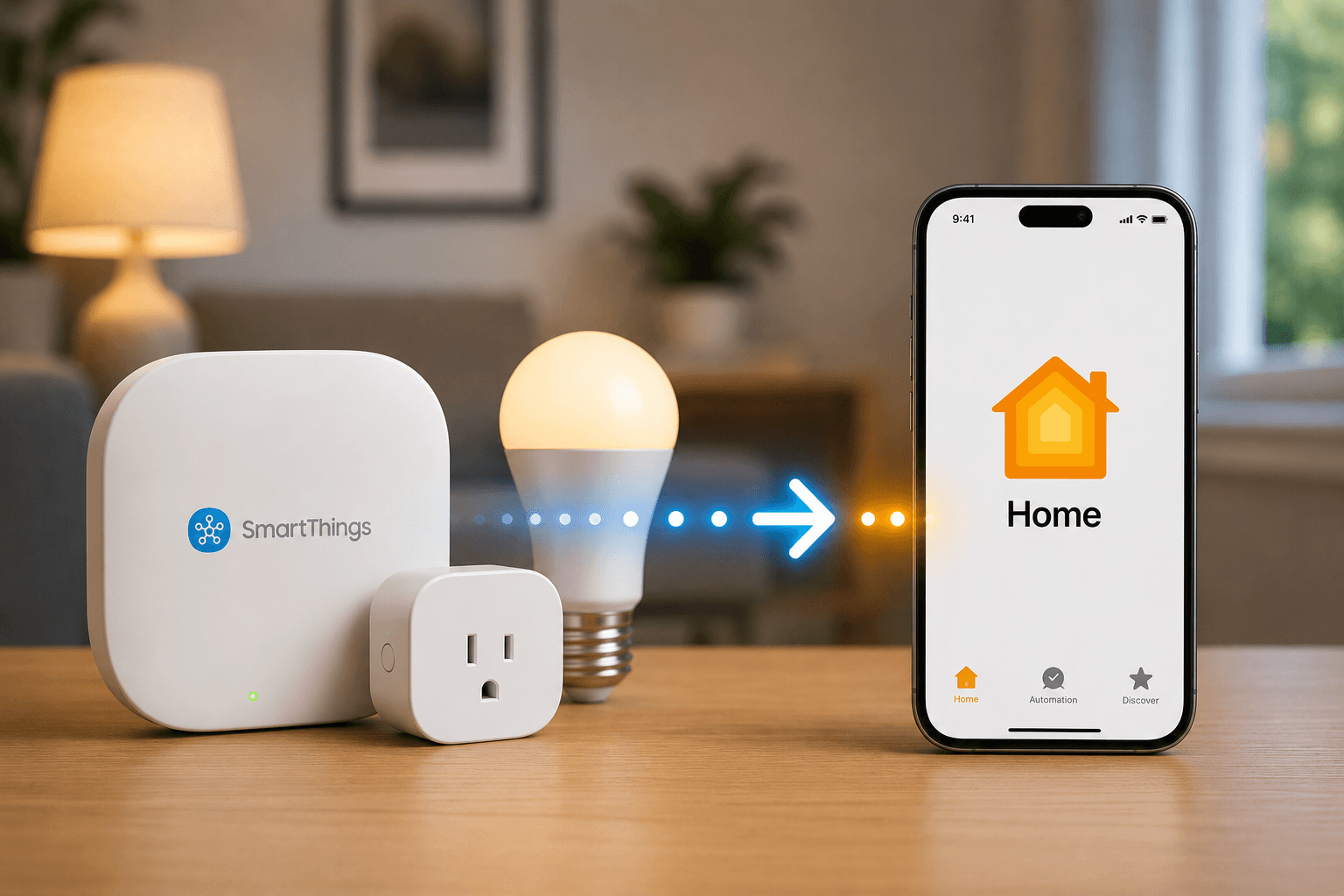
Yes, you can add SmartThings devices to Apple HomeKit, but the process depends on the device. Newer Matter-enabled SmartThings devices can connect directly to Apple Home. Older devices require a bridge solution such as ATH Bridge, Homebridge, HOOBS, or Home Assistant.
For most users, ATH Bridge is the easiest option. For advanced users, Homebridge and Home Assistant offer the most flexibility.
Why Doesn't SmartThings Work With Apple HomeKit Natively?
Samsung SmartThings and Apple HomeKit are separate smart home ecosystems.
While both platforms support many of the same device categories, they use different integration methods and certification requirements.
This means:
- SmartThings devices do not automatically appear in Apple Home.
- Siri cannot directly control most SmartThings devices.
- Automations cannot be shared between platforms without a bridge.
Matter is slowly solving this problem, but many devices still require an additional integration method.
What Is the Best Way to Add SmartThings Devices to Apple HomeKit?
The best method depends on your setup.
| Method | Difficulty | Hardware Required | Best For |
|---|---|---|---|
| Matter | Easy | No | New devices |
| ATH Bridge | Easy | ATH Bridge | Most users |
| Homebridge | Medium | Raspberry Pi or PC | Hobbyists |
| HOOBS | Easy | HOOBS Hub | Non-technical users |
| Home Assistant | Advanced | Dedicated server | Power users |
Method 1: Add SmartThings Devices Using ATH Bridge
Best For
Users who want a plug-and-play solution.
ATH Bridge is designed specifically to connect unsupported smart home devices to Apple HomeKit without complicated configuration.
How It Works
ATH Bridge connects to SmartThings and exposes supported devices directly to Apple Home.
After linking your SmartThings account and scanning the HomeKit QR code, devices appear inside the Apple Home app.
Benefits
- No coding
- No Raspberry Pi required
- Quick setup
- HomeKit-ready
This is typically the easiest method for beginners.
Method 2: Add SmartThings Devices to HomeKit Using Matter
Who Should Use This Method?
Anyone with a Matter-compatible SmartThings device.
Requirements
- Matter-enabled SmartThings device
- Apple Home Hub
- Latest iOS version
Steps
- Open the SmartThings app.
- Select your device.
- Open Settings.
- Generate a Matter setup code.
- Open Apple Home.
- Tap Add Accessory.
- Enter the Matter code.
- Complete setup.
Once connected, the device can be controlled using Siri and Apple Home automations.
Pros
- Native integration
- Fast local control
- No additional software
Cons
- Only works with Matter devices
- Limited advanced features
Method 3: Add SmartThings Devices Using Homebridge
Best For
Users comfortable running software on a Raspberry Pi, Mac, or Windows PC.
Homebridge acts as a virtual HomeKit bridge.
Setup Overview
- Install Homebridge.
- Open the Homebridge dashboard.
- Install the SmartThings plugin.
- Create a SmartThings Personal Access Token.
- Add the token to Homebridge.
- Restart Homebridge.
- Scan the HomeKit QR code.
Your SmartThings devices will then appear in Apple Home.
Advantages
- Free
- Large community support
- Supports many devices
Limitations
- Requires maintenance
- Needs an always-on computer
Method 4: Add SmartThings Devices Using HOOBS
Best For
Users who want Homebridge without managing a server.
HOOBS simplifies the Homebridge experience by providing dedicated hardware and an easier interface.
Setup Overview
- Connect the HOOBS hub.
- Open the dashboard.
- Install the SmartThings plugin.
- Link SmartThings.
- Pair with Apple Home.
Most users complete setup in under 15 minutes.
Method 5: Add SmartThings Devices Using Home Assistant
Best For
Advanced smart home enthusiasts.
Home Assistant offers local control, advanced automations, and support for thousands of devices.
Setup Overview
- Install Home Assistant.
- Add the SmartThings integration.
- Generate a Personal Access Token.
- Import your devices.
- Enable the HomeKit Bridge integration.
- Pair with Apple Home.
This method provides the highest level of customization.
Which SmartThings Devices Can Be Added to Apple HomeKit?
Most integrations support:
- Smart lights
- Smart switches
- Smart plugs
- Motion sensors
- Door sensors
- Smart locks
- Thermostats
- Leak sensors
- Energy monitors
Compatibility varies depending on the integration method and device manufacturer.
Can Siri Control SmartThings Devices?
Yes.
Once a SmartThings device appears in Apple Home, Siri can control it just like a native HomeKit accessory.
Examples:
- "Hey Siri, turn on the living room lights."
- "Hey Siri, lock the front door."
- "Hey Siri, set the thermostat to 72 degrees."
Matter vs Homebridge vs ATH Bridge
Choose Matter If:
- Your devices support Matter.
- You want the simplest setup.
- You prefer native integrations.
Choose ATH Bridge If:
- You want plug-and-play simplicity.
- You do not want to manage software.
- You want HomeKit support for unsupported devices.
Choose Homebridge If:
- You enjoy customization.
- You already own a Raspberry Pi.
- You want access to hundreds of plugins.
Choose Home Assistant If:
- You want advanced automations.
- You want complete local control.
- You have a large smart home ecosystem.
Final Thoughts
Adding SmartThings devices to Apple HomeKit is easier than ever thanks to Matter and modern bridge solutions. If your devices support Matter, direct integration is the best option. For older SmartThings devices, ATH Bridge, Homebridge, HOOBS, and Home Assistant provide reliable ways to bring your entire smart home into the Apple Home ecosystem.
The right choice depends on your technical experience, hardware, and how much control you want over your smart home.
Frequently Asked Questions
Does SmartThings officially support Apple HomeKit?
No. SmartThings does not provide full native HomeKit support for most devices. Integration typically requires Matter or a bridge solution.
Can I use SmartThings and Apple Home together?
Yes. Many users run both ecosystems simultaneously and share devices between them using Matter, ATH Bridge, Homebridge, HOOBS, or Home Assistant.
Is Matter replacing Homebridge?
Not completely.
Matter reduces the need for bridges, but many devices still require Homebridge or similar solutions for full HomeKit compatibility.
Do I need a HomePod or Apple TV?
Yes. Apple Home requires a Home Hub such as a HomePod, HomePod mini, or Apple TV for remote access and advanced automations.
What is the easiest way to add SmartThings devices to Apple HomeKit?
For most users, ATH Bridge is the easiest option because it requires minimal setup and no technical knowledge.

Ishara Fernando
Smart Home Researcher | Zigbee & Smart Home Technology Expert | Sharing Real-World Experiences & Research | Blogger & Freelance Writer | Turning Complex Smart Home Tech Into Simple, Practical Guides | Helping You Build Smarter, Connected Homes