
How to Add Shelly Devices to Apple HomeKit (2026 Guide)
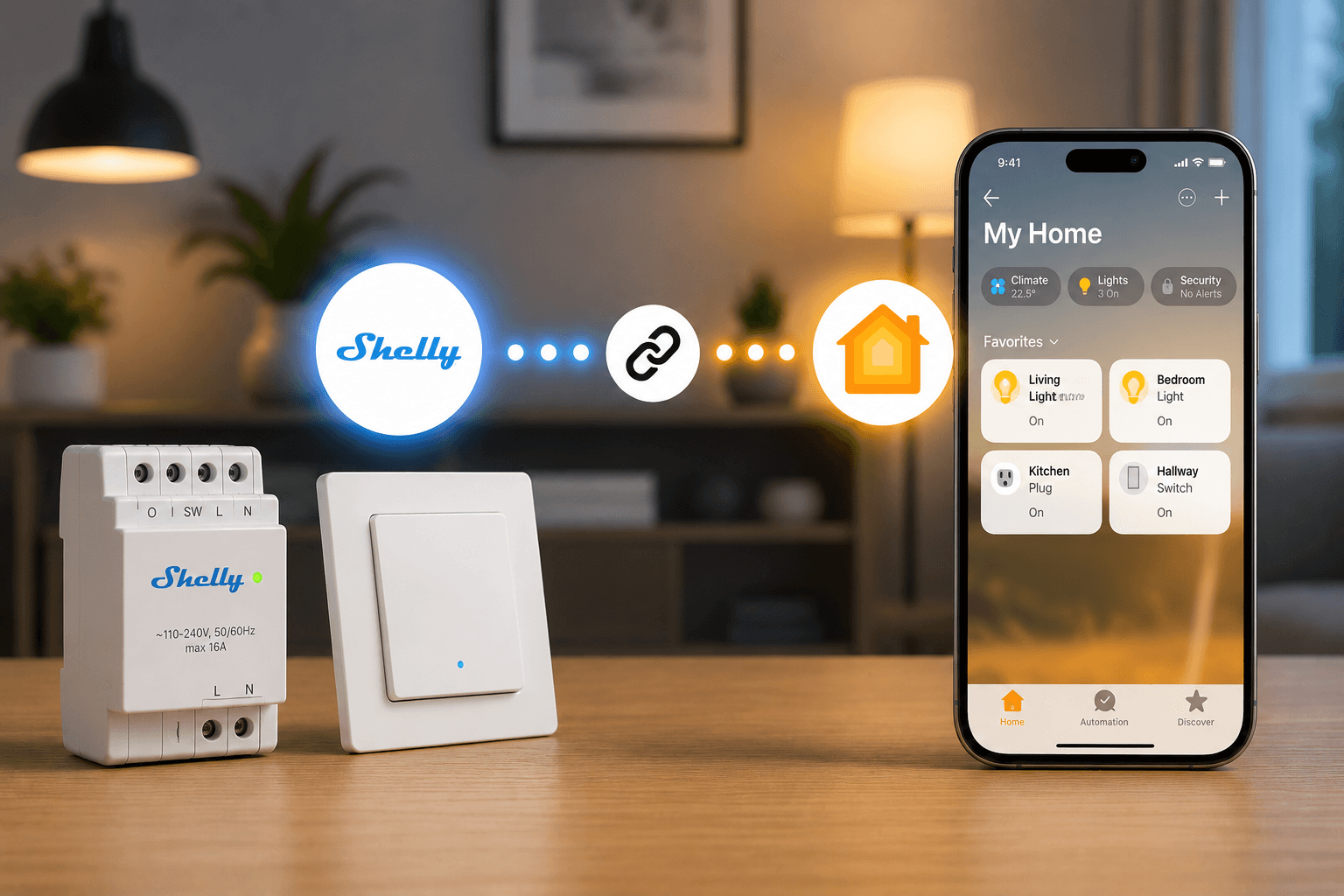
Shelly devices are some of the most popular smart home products on the market. From smart relays and switches to plugs and sensors, Shelly offers affordable automation solutions that work locally and integrate with many smart home ecosystems.
However, many Apple users quickly discover that not all Shelly devices support Apple HomeKit out of the box.
The good news is that you can add almost any Shelly device to Apple HomeKit using a few different methods. While newer Shelly devices support Matter, many homeowners still use older Shelly products that require a bridge solution.
In this guide, we'll explain the easiest way to add Shelly devices to Apple Home, compare the available options, and show you how to get Siri control for your Shelly smart home devices.
The easiest way to add Shelly devices to Apple HomeKit is by using ATH Bridge.
ATH Bridge comes with Homebridge pre-installed and allows Shelly devices to appear inside the Apple Home app without requiring a Raspberry Pi, Linux server, Docker container, or custom firmware flashing.
While newer Shelly Gen 3 and Gen 4 devices can connect directly through Matter, ATH Bridge provides the broadest compatibility across the entire Shelly product lineup and is the recommended solution for most users.
Do Shelly Devices Work with Apple HomeKit?
Yes.
Shelly devices can work with Apple HomeKit, but the integration method depends on the device model.
Newer Shelly Devices
Many newer Shelly Gen 3 and Gen 4 devices support Matter, allowing them to connect directly to Apple Home.
Examples include:
- Shelly 1 Gen 3
- Shelly 1PM Gen 3
- Shelly Mini 1 Gen 3
- Shelly Mini 1PM Gen 3
- Shelly Plug S Gen 3
- Various Gen 4 models
Older Shelly Devices
Older Shelly devices typically do not include native HomeKit support.
Examples include:
- Shelly 1
- Shelly 1PM
- Shelly 2.5
- Shelly RGBW2
- Shelly Plug S
- Shelly Dimmer
These devices usually require a bridge solution such as ATH Bridge or Homebridge.
Why We Recommend ATH Bridge
There are several ways to connect Shelly devices to Apple HomeKit.
You can:
- Use Matter (supported devices only)
- Install Homebridge yourself
- Run Home Assistant
- Flash custom HomeKit firmware
- Use ATH Bridge
While all of these options work, ATH Bridge is the easiest and most reliable option for most homeowners.
Benefits of ATH Bridge
- Plug-and-play installation
- No Raspberry Pi required
- No Linux knowledge needed
- No Docker setup
- No firmware flashing
- Supports thousands of smart home devices
- Works with most Shelly devices
- Siri support
- Local HomeKit control
Instead of spending hours configuring a DIY server, ATH Bridge arrives ready to connect with Apple Home and your Shelly devices.
Method 1: Add Shelly Devices to HomeKit Using ATH Bridge (Recommended)
This is the recommended method for most users. It acts as a bridge between Shelly and Apple HomeKit. It facilitates seamless communication, ensuring that your devices work in harmony.
What You'll Need
- Shelly device
- ATH Bridge
- Apple Home Hub (HomePod, HomePod mini, or Apple TV)
- iPhone or iPad
Step 1: Set Up ATH Bridge
Connect ATH Bridge to your network and complete the initial setup process.
The bridge comes pre-configured with Homebridge, eliminating the need for manual installation.
Step 2: Install the Shelly Plugin
Open the Homebridge dashboard and install the Shelly plugin.
Most Shelly devices are automatically discovered on your network.
Step 3: Connect ATH Bridge to Apple Home
Use the HomeKit QR code provided by ATH Bridge to add it to Apple Home.
Step 4: Verify Device Discovery
Once pairing is complete, your Shelly devices should appear inside the Apple Home app.
Step 5: Create Siri Automations
You can now:
- Control Shelly devices using Siri
- Create Apple Home automations
- Add devices to scenes
- Control devices remotely
Method 2: Add Shelly Devices Using Matter
If you own a Matter-compatible Shelly device, you can connect it directly to Apple Home.
Requirements
- Matter-enabled Shelly device
- Updated firmware
- Apple Home Hub
- Apple Home app
Step 1: Update Device Firmware
Open the Shelly Smart Control app and install the latest firmware update.
Step 2: Enable Matter
Access the device settings and enable Matter support.
Step 3: Generate the Matter QR Code
Locate the Matter onboarding QR code from the device settings.
Step 4: Add the Device to Apple Home
Open Apple Home.
Tap:
Add Accessory → Scan QR Code
Scan the Matter QR code and follow the setup instructions.
Step 5: Assign the Device to a Room
Complete the setup process and assign the accessory to a room.
The Shelly device should now appear in Apple Home.
Method 3: DIY Homebridge Setup
Advanced users can install Homebridge manually.
This option provides similar functionality to ATH Bridge but requires additional hardware and setup.
Requirements
- Raspberry Pi
- Homebridge
- Shelly Plugin
- Apple Home Hub
Basic Process
- Install Homebridge.
- Install the Shelly plugin.
- Discover devices.
- Pair Homebridge with Apple Home.
- Configure automations.
While powerful, this method requires ongoing maintenance and technical knowledge.
Method 4: Flash Custom HomeKit Firmware
Some Shelly devices support third-party HomeKit firmware.
This converts the device into a native HomeKit accessory.
Advantages
- Native HomeKit support
- No bridge required
- Local communication
Disadvantages
- Advanced setup
- Firmware flashing required
- Potential warranty concerns
- Not supported on every device
For most users, ATH Bridge is a simpler and safer option.
ATH Bridge vs Matter vs Homebridge
| Feature | ATH Bridge | Matter | DIY Homebridge |
|---|---|---|---|
| Easy Setup | Yes | Yes | No |
| Works With Older Shelly Devices | Yes | No | Yes |
| Additional Hardware Needed | Included | No | Yes |
| Technical Knowledge Required | No | No | Yes |
| Supports Thousands of Devices | Yes | Limited | Yes |
| Recommended for Beginners | Yes | Yes | No |
Benefits of Using Shelly Devices with Apple HomeKit
After connecting your Shelly devices to Apple Home, you gain access to:
Siri Voice Control
Control lights, switches, and relays using Siri commands.
Apple Home Automations
Create automations based on:
- Time
- Location
- Sensors
- Occupancy
Scene Support
Add Shelly devices to scenes such as:
- Good Morning
- Movie Night
- Away Mode
- Bedtime
Remote Access
Control your devices from anywhere using your Home Hub.
What are the Common Shelly HomeKit Problems
Shelly Device Not Appearing in HomeKit
Check:
- Firmware version
- Network connectivity
- Home Hub availability
Matter Pairing Failed
Try:
- Rebooting the device
- Rebooting your Home Hub
- Resetting the Matter pairing process
Homebridge Cannot Discover Shelly Devices
Verify:
- Same local network
- mDNS enabled
- Firewall settings
Final Thoughts
Shelly devices offer incredible flexibility for smart home automation, but Apple HomeKit compatibility depends on the specific model you own.
If you have a newer Matter-enabled Shelly device, direct Matter integration may be sufficient. However, if you want the simplest setup and the broadest compatibility across the Shelly ecosystem, ATH Bridge is the recommended solution.
It eliminates the complexity of running your own Homebridge server while providing seamless Apple Home integration, Siri control, automations, and support for thousands of smart home devices.
For most Apple users, ATH Bridge is the fastest and easiest way to bring Shelly devices into HomeKit.
Frequently Asked Questions
What is the easiest way to add Shelly devices to Apple HomeKit?
ATH Bridge is the easiest solution because it comes pre-configured with Homebridge and does not require Linux, Raspberry Pi hardware, or firmware flashing.
Do all Shelly devices work with Apple HomeKit?
Most Shelly devices can be integrated with Apple HomeKit. Newer models support Matter, while older models typically require ATH Bridge or Homebridge.
Can I use Shelly devices with Siri?
Yes. Once connected to Apple Home, Shelly devices can be controlled using Siri voice commands.
Do I need a Raspberry Pi for Shelly HomeKit integration?
Not if you use ATH Bridge. The bridge already includes everything needed for HomeKit integration.
Is ATH Bridge better than DIY Homebridge?
For most users, yes. ATH Bridge provides the same Homebridge compatibility without the setup complexity and maintenance requirements.

Ishara Fernando
Smart Home Researcher | Zigbee & Smart Home Technology Expert | Sharing Real-World Experiences & Research | Blogger & Freelance Writer | Turning Complex Smart Home Tech Into Simple, Practical Guides | Helping You Build Smarter, Connected Homes